English translation
Define model
AI Article Decision Snapshot
Turn the lesson into workflow, model, budget, and security checks before choosing tools.
Use this quick snapshot before leaving the article. It keeps the next search tied to practical AI software, model/API, cost, privacy, and implementation questions.
Workflow fit
Identify the real job behind the article: coding, research, document review, support, analytics, content, or internal automation.
Model or tool decision
Decide whether the next step is a software shortlist, an AI tool comparison, an API platform choice, or a model benchmark.
Budget and usage signal
Estimate seats, API calls, prompt volume, retries, review time, and fallback work before assuming the workflow is cheap.
Security and privacy review
Check whether source code, customer data, private documents, prompts, logs, or embeddings will enter the AI workflow.

The training phase of AutoML must be governed by budget constraints and reproducibility. Without fixed data versions and consistent random seeds, results become difficult to compare.

I record the configuration, runtime, best-performing model, and validation metrics for every search iteration. Without experiment tracking, automated results are untraceable.
In the previous article, we discussed the first step of the automated machine learning (AutoML) workflow—data preparation. Ensuring effective utilization of data is critical to successful model deployment. During this stage, we organized and cleaned the data to fully prepare it for subsequent model training. Next, we delve into the model training process—the core of AutoML.
Overview of Model Training
The goal of model training is to generate a new predictive model using cleaned and prepared data and machine learning algorithms. This step involves selecting appropriate algorithms, configuring hyperparameters, and executing the actual training procedure.
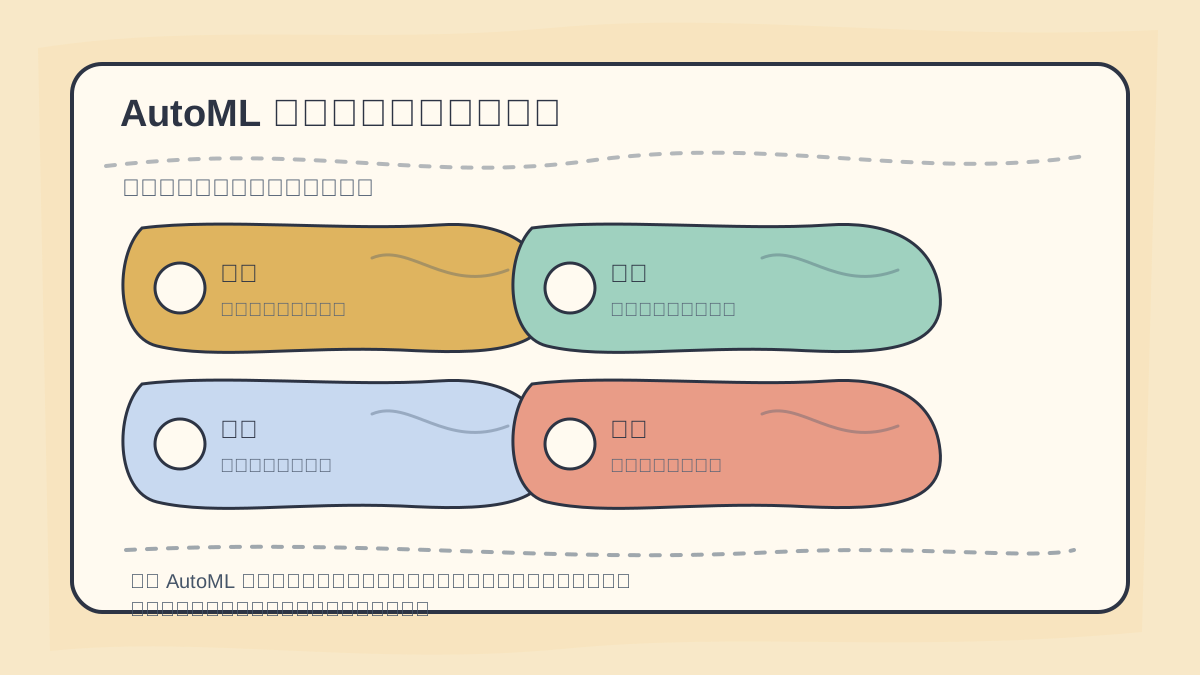
When performing model training with AutoML, first confirm the candidate algorithms, feature preprocessing steps, time budget, evaluation metrics, and validation set. Even automated search requires clearly defined boundaries.
Algorithm Selection
In AutoML, algorithm selection is typically automated. The system evaluates multiple algorithms and selects the one best suited to the data’s characteristics. Common machine learning algorithms include:
Decision TreeRandom ForestSupport Vector Machine (SVM)Neural NetworkGradient Boosting Machine (GBM)
For example, in a house price prediction project, an AutoML system might initially try Random Forest and Gradient Boosting Tree algorithms, as they often perform well on structured tabular data.
Hyperparameter Tuning
Hyperparameters are key settings that govern model behavior and performance—and are typically specified before training begins. In AutoML workflows, common hyperparameter tuning techniques include:
Grid SearchRandom SearchBayesian Optimization
For Random Forest, examples of hyperparameters to tune include:
n_estimators(number of trees)max_depth(maximum depth of each tree)min_samples_split(minimum number of samples required to split an internal node)
Here's an example using Grid Search to find optimal settings:
from sklearn.ensemble import RandomForestRegressor
from sklearn.model_selection import GridSearchCV

# Define model
rf = RandomForestRegressor()

# Define hyperparameter grid
param_grid = {
    'n_estimators': [100, 200],
    'max_depth': [None, 10, 20, 30],
    'min_samples_split': [2, 5, 10]
}

# Perform grid search
grid_search = GridSearchCV(estimator=rf, param_grid=param_grid, cv=3)
grid_search.fit(X_train, y_train)

# Output best parameters
print("Best parameters:", grid_search.best_params_)
Model Training
Once suitable algorithms and optimal hyperparameters have been identified, the next step is actual model training. During training, the model learns patterns from the data and updates its internal parameters to improve prediction accuracy.
# Train final model using optimized hyperparameters
best_rf = grid_search.best_estimator_
best_rf.fit(X_train, y_train)
Here, we use the best estimator returned by GridSearchCV for final training. This yields an optimized model better fitted to our training data.
Training Evaluation
Although model training is essential, we must ensure the trained model generalizes well to unseen data. To assess effectiveness, we commonly apply cross-validation after training to evaluate model stability. We’ll explore model evaluation in depth in the next chapter.
If you haven’t fully internalized “AutoML Workflow: Model Training”, revisit the four actions outlined on this card to walk through the process again.
When reviewing “AutoML Workflow: Model Training”, avoid jumping straight into large-scale projects. Instead, start with a simple, minimal example to verify whether the core workflow is clear.
Summary
In this chapter, we thoroughly examined the model training phase of the AutoML workflow—from algorithm selection and hyperparameter tuning to actual model fitting. Every step aims to maximize predictive performance. Using high-quality inputs and sound training strategies at each stage is paramount.
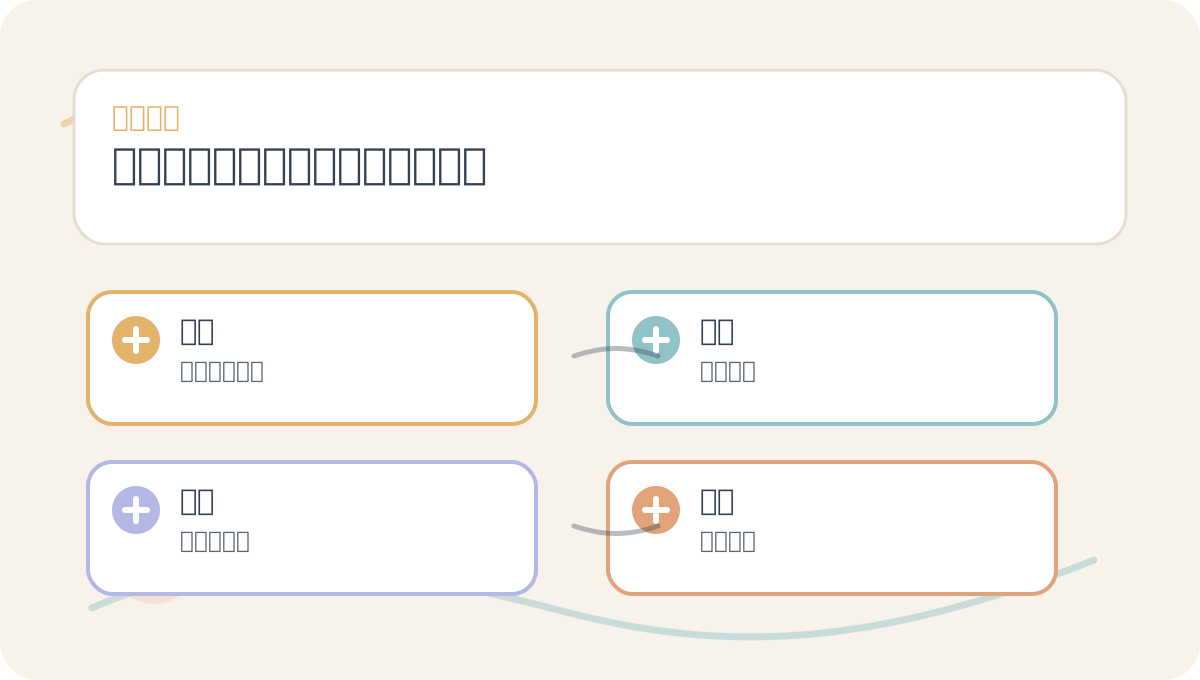
Content like “AutoML Workflow: Model Training” can easily distract readers with implementation details. First, grasp the main flow depicted in the diagram; then return to the text to verify the environment, inputs, outputs, and decision criteria.
The next article will cover model evaluation, ensuring that our trained models perform robustly on unseen data. We’ll discuss practical methods for validating model performance and how to leverage evaluation metrics to guide real-world decisions.
Apply This Lesson
Turn this article into AI software, model, API, and security decisions.
English Article FAQ
Use this article as evidence before choosing AI tools
How should I use this AI Tutorials article?
Use it as the implementation or learning layer, then connect the idea to AI software buyer guides, tool comparisons, benchmarks, API choices, and security checks before making a production decision.
Is this English article different from the Chinese original?
The English edition is localized for global AI readers while preserving the original diagrams, screenshots, prompts, code examples, and source context from the Chinese article.
What should I read after Define model?
Continue with AI Software Buyer Guides, AI Tools Workbench, Best AI Coding Agents, AI Model Benchmarks, OpenAI vs Anthropic API, or LLM Security Tools depending on the decision you need to make.
Can this article alone choose an AI product or model?
No. Treat the article as evidence and context, then validate fit with pricing, privacy requirements, integration effort, benchmark results, workflow tests, and fallback planning.
Continue